
What’s New in Elementor AI & Editor V4
Elementor has expanded well past basic text and image generation, introducing structural AI workflows, enhanced developer control, and automated compliance:
- Angie (Agentic AI for WordPress): Unlike conventional assistants that only generate text, Angie acts directly across your WordPress environment. It can build full page layouts, compose forms, populate dynamic loops, and manage custom post types using natural language prompts.
- Elementor MCP (Model Context Protocol): Connects external AI coding tools (such as Claude, Codex, or Cursor) directly into your site to inspect, style, and generate native Elementor elements without leaving your dev environment.
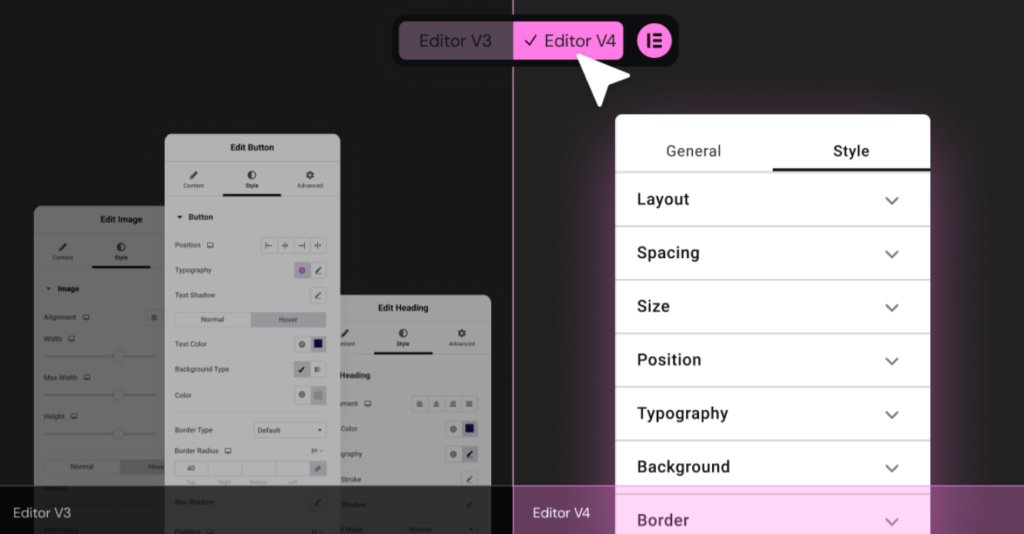
- Editor V4 & Atomic Elements: A CSS-first overhaul that introduces design tokens, global classes, native CSS grids, variables management, and reusable component variants (such as light/dark mode toggles) for cleaner DOM structures.
- Ally Accessibility Assistant: An integrated AI engine that runs automated WCAG audits, highlights missing aria-labels or contrast flaws, and applies sitewide fixes in seconds.
- AI Site Planner & Contextual Generators: Tools for wireframing whole site architectures, generating custom CSS/JS snippets, and producing vector-like branding assets and imagery directly inside the canvas.
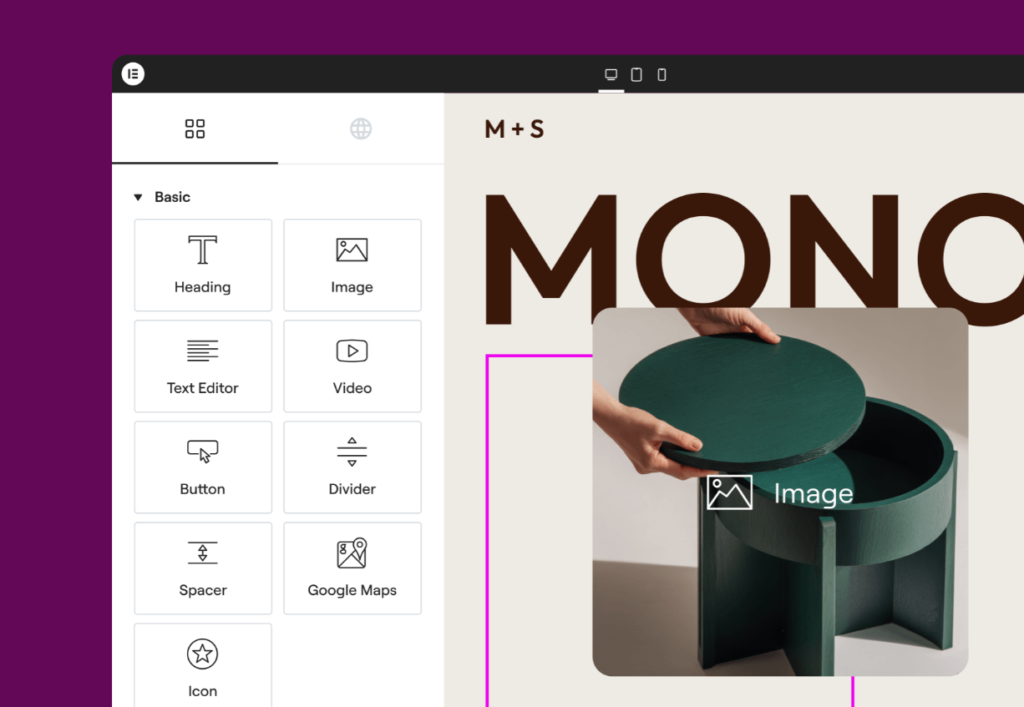
4-Step Workflow for Modern Web Design
- Establish the Design System: Use Elementor’s Site Settings alongside Angie to define global typography scale, color palettes, and container padding before dropping a single widget.
- Draft Layouts with Containers & Atomic Grids: Rely on Flexbox Containers and CSS Grids rather than legacy sections. Use prompt-based generation inside Angie to establish hero sections, Bento grids, or multi-column feature lists.
- Refine Copy & Custom Code: Leverage Elementor AI directly within Heading and Text widgets to tailor voice, tone, and length. For custom micro-interactions or animated border gradients, prompt the AI Code generator directly inside the Custom CSS panel.
- Audit Performance & Accessibility: Run Ally to detect and resolve accessibility bottlenecks, then compress assets using Elementor’s integrated Image Optimizer.
Video Walkthrough
Watch a comprehensive walkthrough of the AI builder features, asset generation, and prompt techniques
This content is blocked because it would connect to YouTube.